Ownable URL
Use shopname.gplusmarket.com as your storefront link for campaigns, social bios and repeat buyers.
 G+ Market
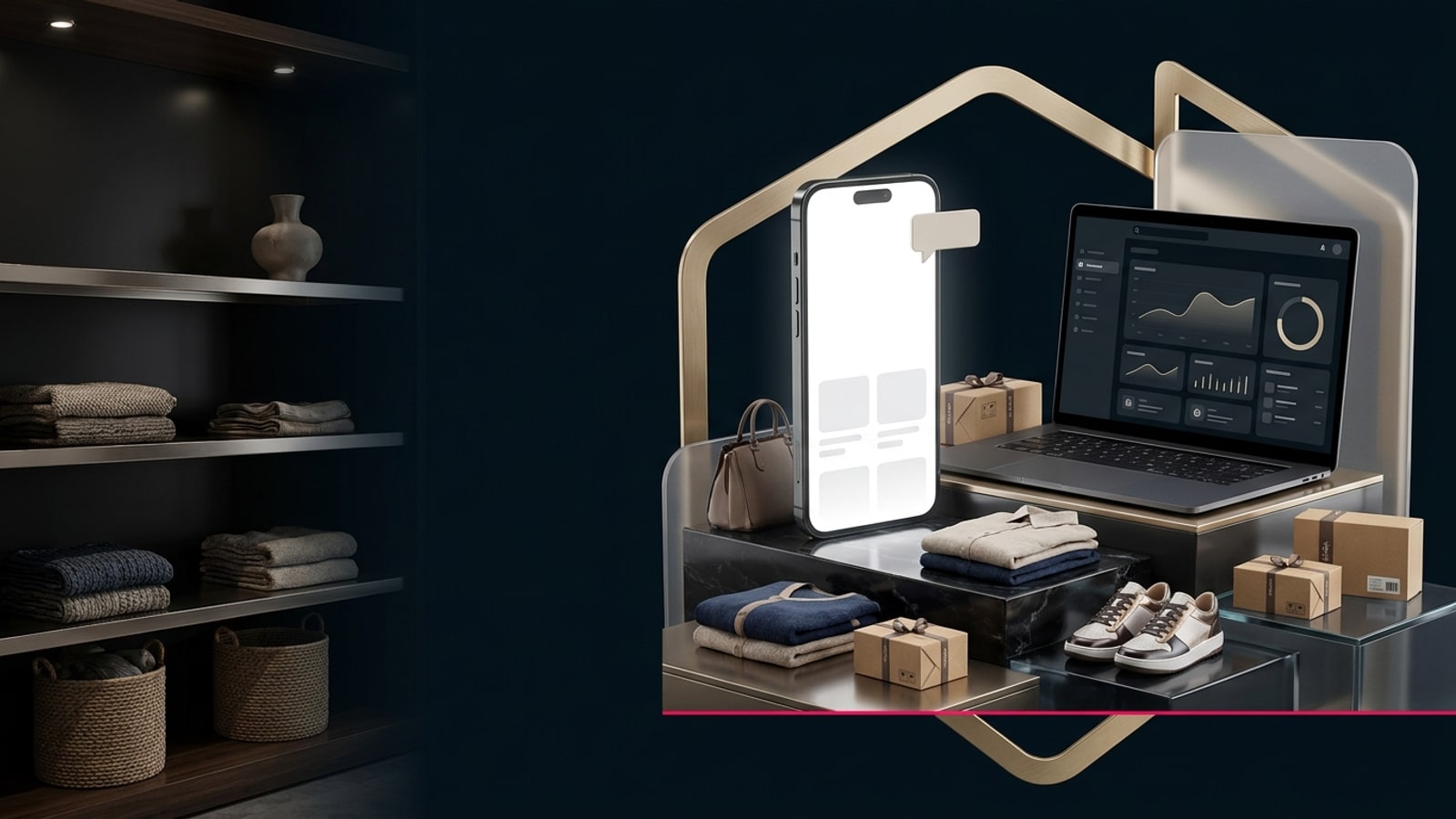
Premium seller service
Get your shopname.gplusmarket.com storefront automatically. Share it anywhere; buyers use Add to cart or Buy now, and checkout, orders, wallet and payouts stay synced with G+ Market.
Use shopname.gplusmarket.com as your storefront link for campaigns, social bios and repeat buyers.
Hero, navigation, colours, story, policies and collections create a full store experience inside G+.
Inventory, availability, cart, Buy now and checkout stay tied to Seller Centre and the G+ Market app.
Onboarding tutorial
Your link is automatic: share the storefront, keep stock current, and let G+ handle every buyer checkout and order.

Step 1
G+ reserves your subdomain immediately and publishes it with your first approved product.
Step 2
Products, prices, images, variants, archived items and stock quantities feed the public page automatically.

Step 3
Buyers use Add to cart or Buy now. Payment, delivery updates and order tracking stay inside G+.
Vendor controls
Free storefront · optional upgrade
Your storefront link and checkout are free and automatic. Seller Pro or Business adds advanced hero design, navigation, collections, colours, promoted placement, discount codes and deeper shop analytics.